
The Best Background for Delivery App Food Photos: DoorDash, Uber Eats and Grubhub
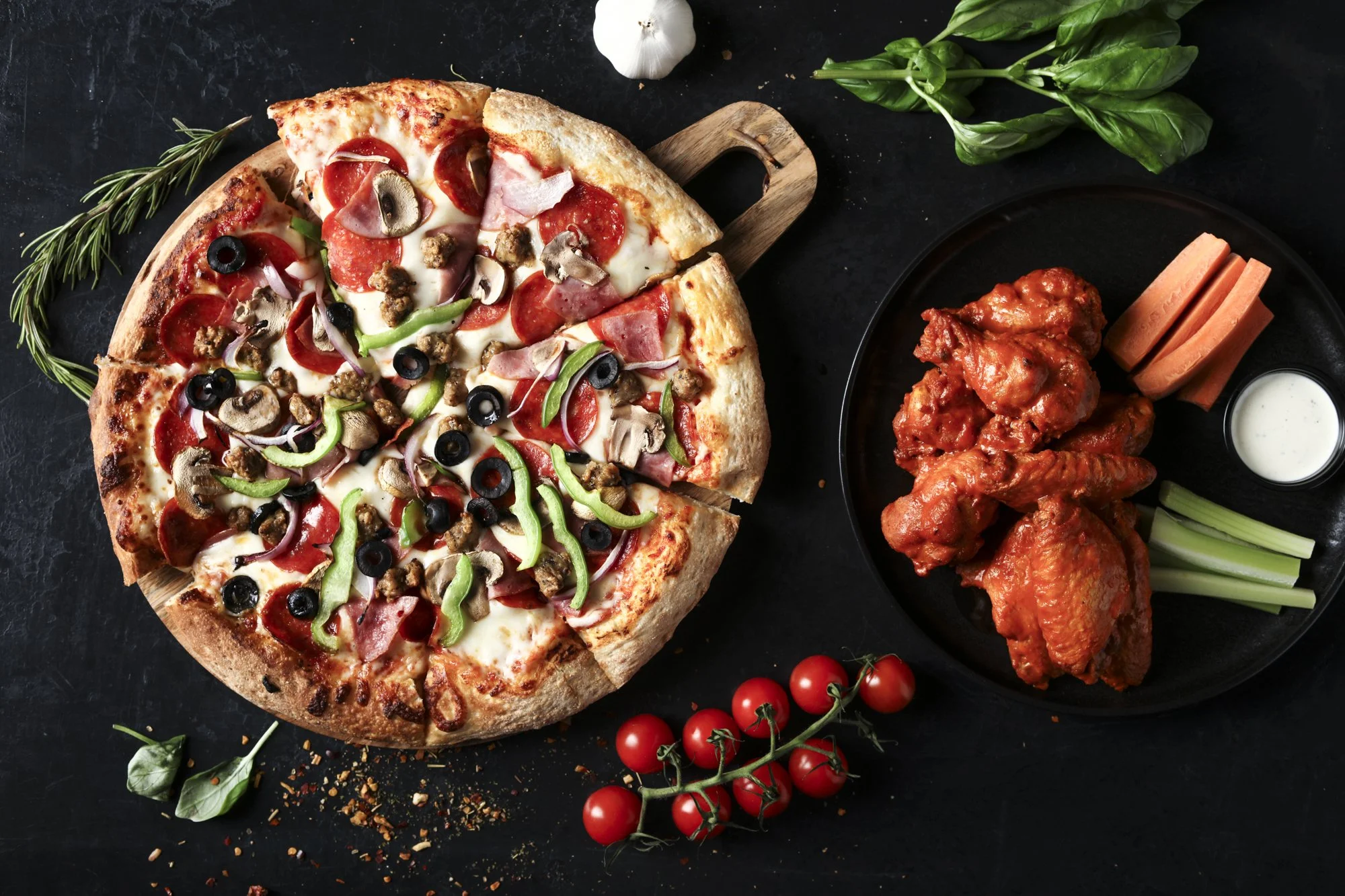
Your delivery app photos have one job: make someone scrolling DoorDash, Uber Eats or Grubhub stop and order from you instead of the restaurant next to you. The background is one of the biggest reasons a food photo either works or disappears in the feed. After shooting delivery app menus for restaurants across Orange County, Los Angeles and San Diego, here's what I've learned about choosing the best background for delivery app food photos.
Why the background matters so much on delivery apps
On a phone, your dish shows up as a small tile next to dozens of competitors. A customer decides in a second or two. A busy or dark background shrinks into visual noise at that size, while a clean background lets the food read instantly. The background also tells customers what kind of restaurant you are before they read a word.
The best backgrounds for delivery app food photos
1. Clean light or neutral surfaces
For most restaurants, a plain light surface is the safest choice: off-white, light gray, soft beige or a pale stone. It keeps the focus on the food, works for almost any cuisine and stays clean when the apps crop your photo into different shapes.
2. Simple wood
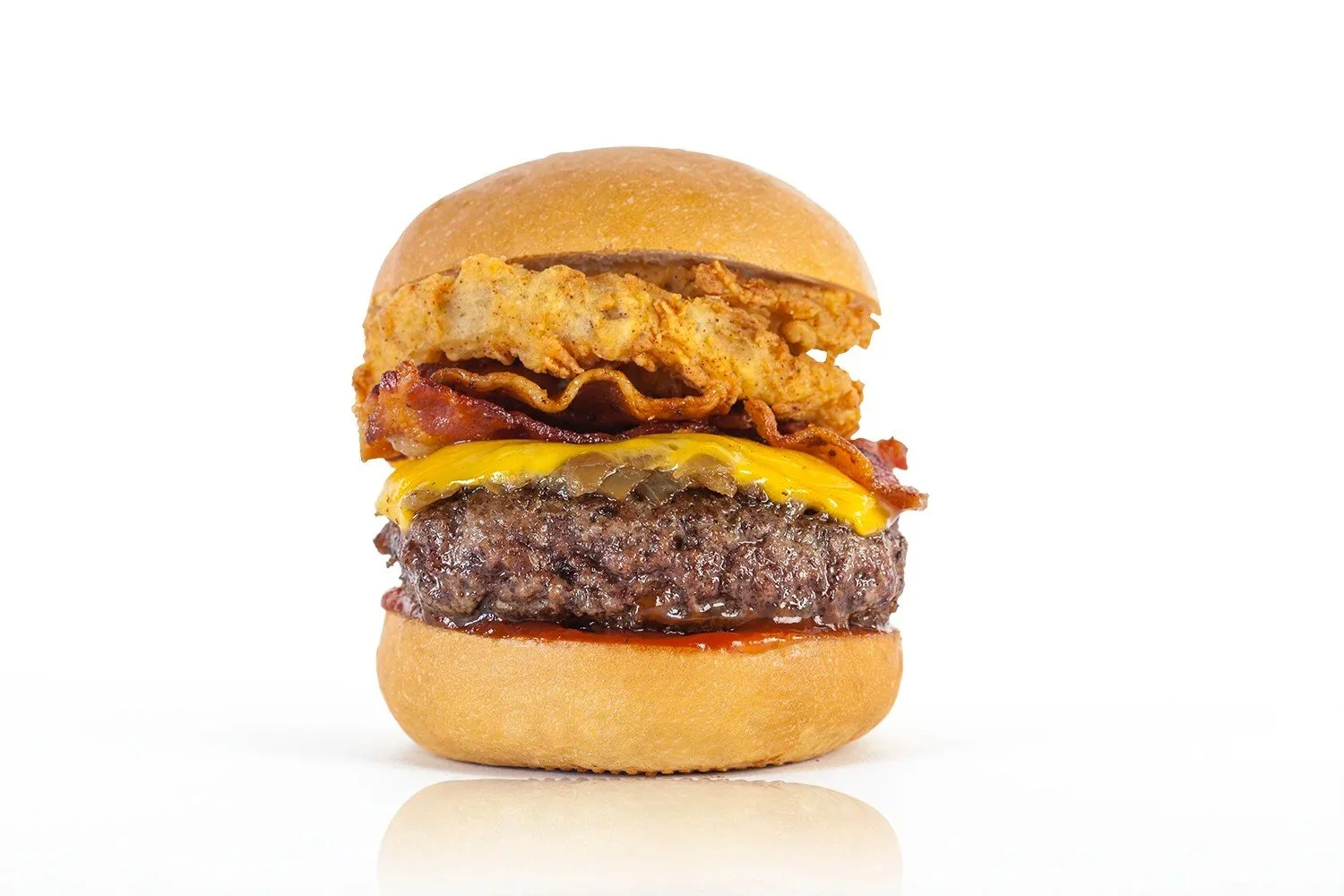
A light or medium wood surface adds warmth without getting busy. It's a great fit for burgers, sandwiches, pizza, bakeries and comfort food. Avoid heavily grained or very dark wood, which can fight with the food at thumbnail size.
3. Dark slate or matte black, used carefully
Dark backgrounds can look rich and premium for steak, sushi, cocktails and desserts. They take more control of the lighting, though, and dark food on a dark surface can turn into a shadow on a phone screen. If you go dark, make sure the dish has bright color and clean edges.
4. A background that matches your brand
If your restaurant has a signature color, tile or tabletop, using a simplified version of it can make your menu instantly recognizable. Keep it subtle. The food should always be the loudest thing in the frame.
Backgrounds to avoid
Busy patterns, printed tablecloths and loud tiles
Cluttered tables with extra props, napkins, phones or condiments
Kitchen counters with equipment or packaging in the shot
A different background for every dish, which makes the whole menu look random
Backgrounds the same color as the food, like a brown sandwich on dark brown wood
Consistency beats everything
The single biggest upgrade most restaurants can make on a delivery app is consistency. When every dish is shot on the same background, from the same angle, with the same lighting, your menu looks professional and trustworthy. Customers can compare items easily, and your listing looks like a brand instead of a collection of phone snapshots.
That's why I shoot every item in a delivery app session on one lighting setup and one background. A typical session covers up to 60 menu items in a day, and the last dish matches the first.
Framing and lighting tips
Fill the frame. The dish should take up most of the image, with a little breathing room so nothing important gets cropped.
Keep it centered. The apps crop photos to different shapes on different screens, and centered food survives those crops.
Use soft, even light. Harsh shadows and mixed light make food look unappetizing. Soft light shows texture and true color.
Choose the right angle. Overhead works for pizza, bowls and flat dishes. A three-quarter or side angle works better for burgers, sandwiches and drinks.
Make color pop. Pick a background that contrasts with the food, so greens, reds and golden crusts stand out.
Check each app's photo guidelines
DoorDash, Uber Eats and Grubhub each have their own photo size, crop and content guidelines, and they change from time to time. Before you upload, check the current requirements for each platform. When I deliver a delivery app shoot, every image is cropped and sized for the apps you use.
DIY or hire a food photographer?
You can get decent results with a phone, a window and a clean background. But if your listing is a big part of your sales, professional delivery app food photos usually pay for themselves quickly. They're consistent across the whole menu, lit properly and edited to look like the dish your kitchen actually serves.
Learn more about delivery app food photography for DoorDash, Uber Eats and Grubhub, or see food photography pricing. I photograph restaurants across Southern California as an Orange County food photographer, Los Angeles food photographer and San Diego food photographer. Get a quote for your delivery app shoot →