
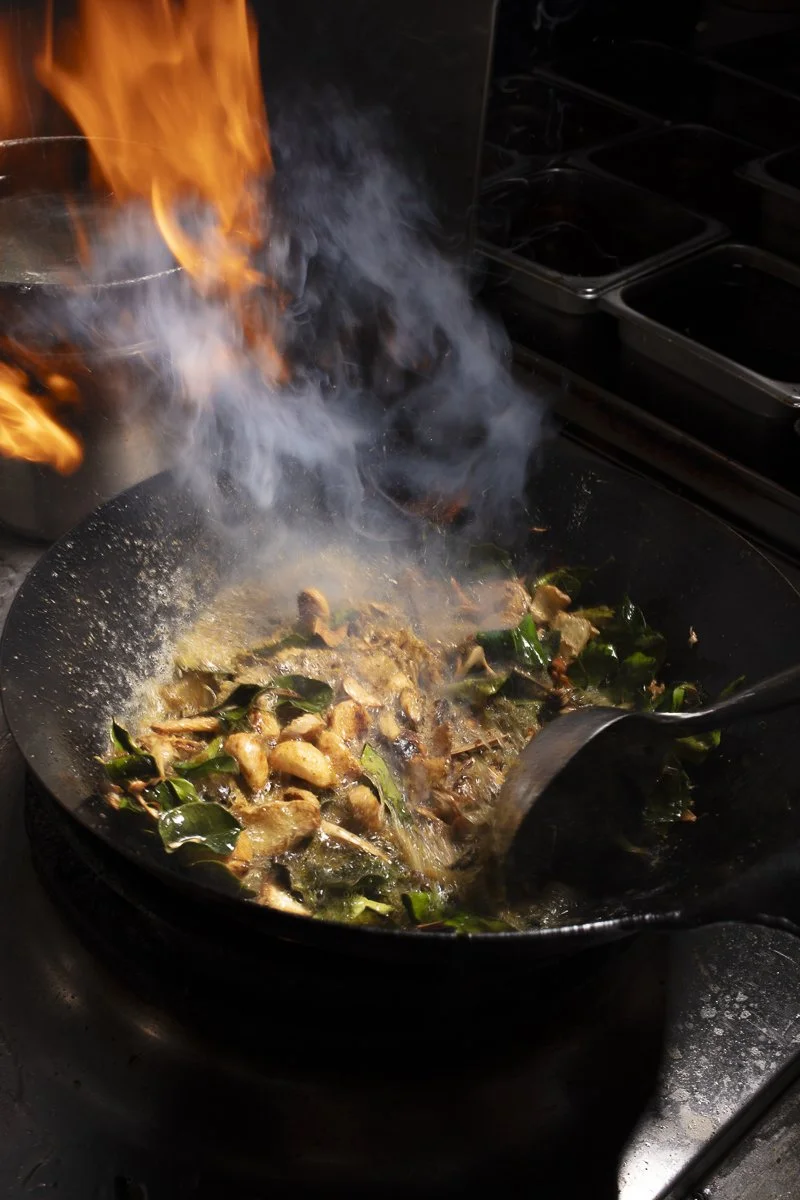

Food Menu & Delivery App Photography
Food menu photos for printed menus, websites, DoorDash, Uber Eats and Grubhub
Order up.
Delivery app photos that sell.
Clean, consistent menu photos for DoorDash, Uber Eats and Grubhub. Better photos help your dishes stand out in a crowded feed. That means DoorDash menu photos and Uber Eats food photography shot to each app’s specs, and reusable on your website and printed menus.
What is the best background for delivery app food photos? A clean, consistent one: a plain light or neutral surface, or a simple wood or slate that fits your brand, with the dish filling most of the frame. Busy backgrounds disappear in small app thumbnails.
I shoot every delivery app food photo on the same background and lighting so your whole menu looks consistent on DoorDash, Uber Eats and Grubhub, then deliver the crops each app requires. Food delivery photography for restaurants in Orange County, Los Angeles and San Diego, with flat-rate pricing.
Delivery app photography
Your whole menu, ready to order.
Fast and consistent. Every item shot with the same lighting and angle, so your menu looks polished and professional.
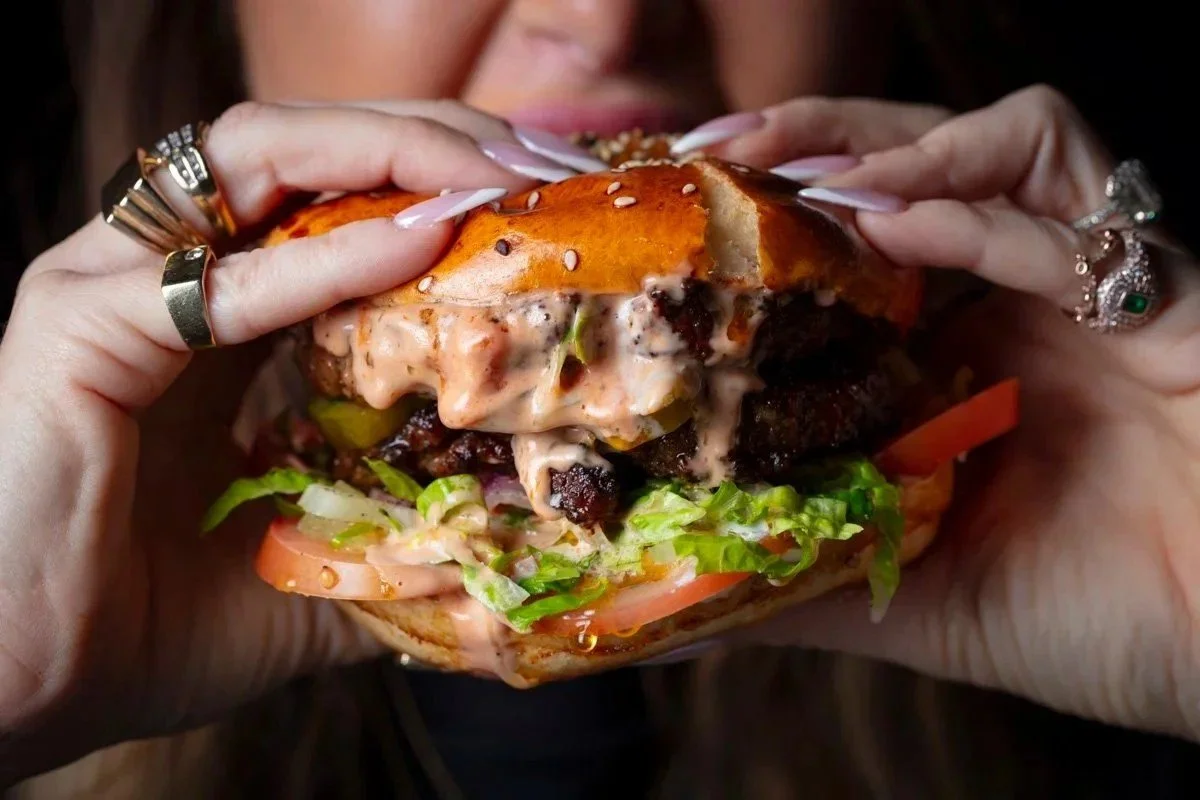
Sized for every app. Delivered to the specs DoorDash, Uber Eats and Grubhub ask for, ready to upload.

Made for the apps.
Photo specs for every platform.
Every delivery app has its own rules for menu photos. Get them wrong and your photos get rejected, cropped or buried. Here’s what the big three ask for.
● DoorDash
The strictest of the three.
Size 1400 × 800 px minimum
Shape Landscape 16:9 only
File JPG or PNG, under 2 MB
Rules One item per photo, at least 80% in frame. No text, logos, borders or people.
● Uber Eats
Flexible on size, picky about clarity.
Size 320 to 6000 px per side
Shape Landscape, about 5:4
File JPG or PNG, under 10 MB
Rules Dish centered and fully in frame. No text, logos or people.
● Grubhub
A classic 4:3 frame.
Size Large, high-resolution files
Shape Landscape 4:3
File JPG, under 4 MB
Rules Real photos of your own food, one item each. No stock images, logos or text.
One shoot, every app. We shoot every dish wide and deliver it cropped and sized for DoorDash, Uber Eats and Grubhub, ready to upload.
Specs as of October 2026. The apps update their rules, so we check the latest before every shoot.
Flat rates, unlimited images. Packages come with unlimited images, delivered in three business days.
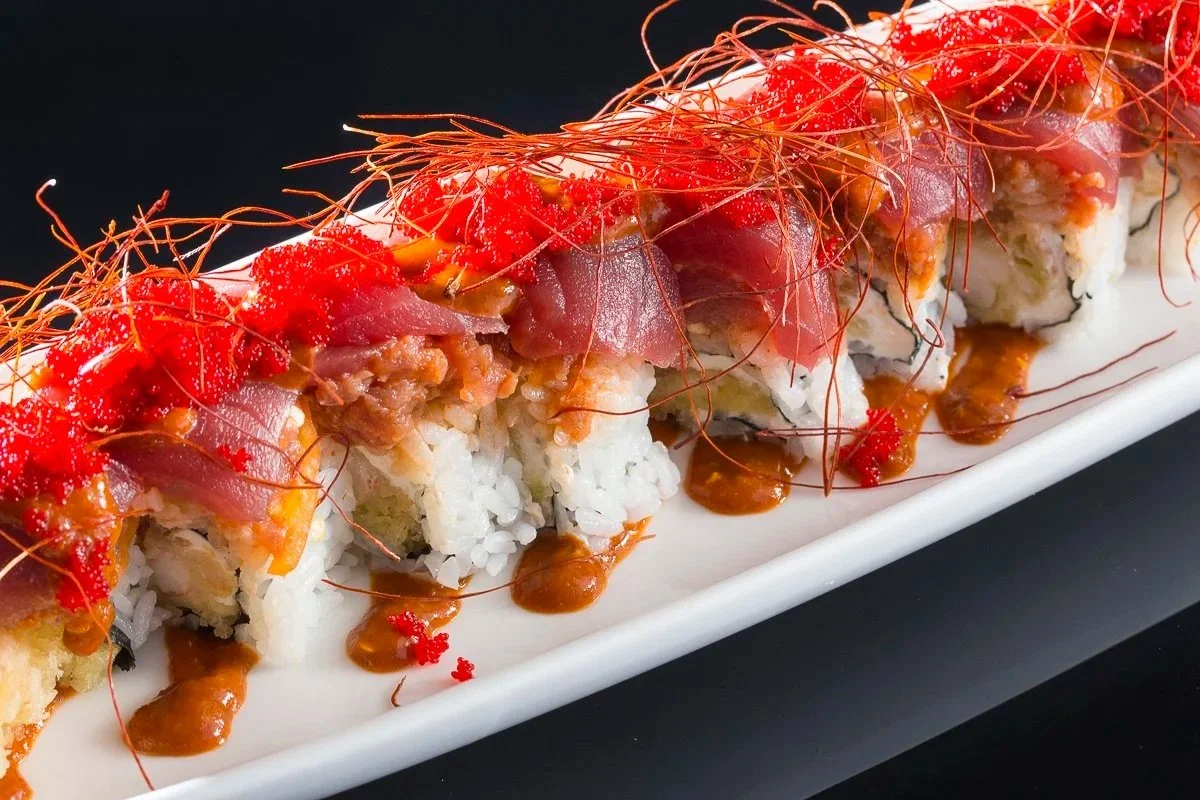
Love at first scroll.
On delivery apps, your photo is your first impression. Bright, appetizing images give hungry customers a reason to tap your restaurant first.
Delivery App Photos for DoorDash, Uber Eats and Grubhub
On a delivery app the photo is the menu. People scroll past names and prices and order what looks good in a two-inch tile. I shoot full menus for restaurants across Orange County, Los Angeles, San Diego and the Inland Empire, and hand back every dish in the crops and sizes the apps ask for.
Food menu photography for printed menus, menu boards and QR menus
As a food menu photographer, I shoot your printed menus, menu boards, website and QR-code menus in the same session as your delivery app photos. Food menu photography and delivery app photos are the same job: every dish lit the same way so the whole menu looks like one restaurant. See restaurant photography for interiors and staff, and pricing for rates.
Ordering-app photos are shot differently from your social photos
This is the part most restaurants miss. A shot that works on a delivery listing is usually simple — clean background, no props, the dish reading instantly at thumbnail size, nothing competing for attention.
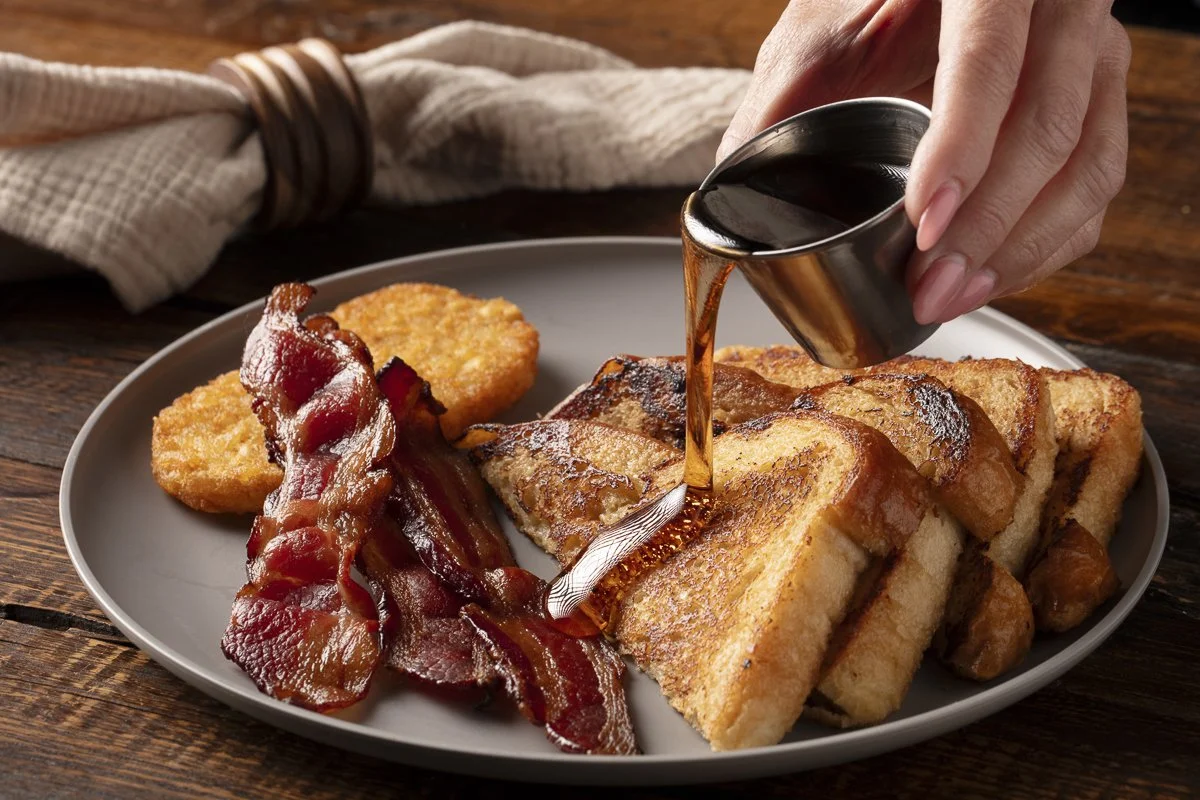
A shot that works on Instagram is close to the opposite: props, a surface with character, moodier lighting, shallow depth of field, a hand reaching in. Both are correct. They are just not the same photograph.
So we plan the shot list around where each image is going, and shoot both in the same session rather than making you choose.
What you get
Every item lit the same way. One lighting setup, one family of angles, one background, so your storefront reads as a single brand instead of a scrapbook.
Four or five angles of every dish — a hero, an overhead, a close-up, a medium vertical and a horizontal — so the same plate covers the app tile, the header banner, your own site and social.
Over a hundred images from a typical four-to-five-hour shoot.
Food that matches what arrives. Real portions out of the real container, prepared so it still looks its best.
Files ready to upload, named by menu item and sized to each platform.
Delivered in three business days.
Why most delivery listings underperform
Most are built from phone photos taken in the middle of service, under kitchen light, at whatever angle was quickest. They then sit directly next to competitors who paid for photography, and at tile size the difference is almost entirely lighting.
A consistent set of images also lets you push a high-margin dish to the top of the listing and have it actually look worth the price.
How a shoot runs
Menu review. We go through the menu and decide what gets shot, what gets a hero treatment and what can share a setup.
One day on location. About thirty minutes to set up lighting, then five to ten minutes per shot. The camera is tethered to a laptop so you see and approve each frame as we go.
Edit and delivery. Color, cleanup and platform crops, back with you inside three business days.
Upload. Everything named and sized so you or your manager can drop it straight into the merchant portal.
Where I shoot
Orange County, Los Angeles, San Diego, Riverside, Corona, San Bernardino and Palm Springs. If your restaurant is somewhere else in Southern California, ask.
Delivery app photography questions
-
Flat rates include unlimited images, editing and delivery within three business days. A full menu of thirty to sixty items is normally a single day. No per-image fees and no licensing tiers.
-
Each platform has its own crop and minimum resolution, and they change them. I shoot wide enough to crop square, 4:3 and 16:9 from the same frame and deliver a set sized for each platform you are on, named by menu item so your manager can drop them straight into the merchant portal.
-
Thirty to sixty for delivery work, because the setup stays the same and only the dish changes. Items that have to be built to order take longer, so tell me which ones those are.
-
Platforms consistently report that listings with good photography convert better than those without, and items with their own photo outsell items in a text-only list. On an app the picture is doing the job the menu description used to do.
-
They serve different jobs. App photos are tight, clean and readable at two inches. Menu and website photography can be moodier and more atmospheric. I shoot both in the same session so the styling is consistent without forcing one look to do both jobs.
-
Yes. I bring all the lighting and set up in a corner of your kitchen or dining room before service, so the food is photographed the moment it comes off the pass.
-
Almost never. Delivery items plate for camera straight out of your kitchen with me directing, which costs you nothing extra. Ice cream, melted cheese pulls and anything that has to hold up for hours under lights benefit from a stylist, and I quote that separately when a dish needs it.
-
Three business days for the edited, cropped and named set. That is my standard turnaround, not a rush fee.
-
Orange County, Los Angeles, San Diego, Riverside, Corona, San Bernardino and Palm Springs.
Explore more.
What is the best background for food photography for delivery apps?
Simple and light. The best background for delivery app food photos is one that contrasts with the food, especially food on a plate: a white background, a light beige, or another monochromatic lighter color. The dish should be the only thing your eye lands on.
What to avoid: busy props, backgrounds with a lot of detail, and surfaces like marble or heavily grained wood with cracks and color variation. Dark and moody lighting looks great on Instagram and in a printed menu, but on a small phone screen in a scrolling list it reads as dim and hard to see, so keep delivery photos bright. Lighting is the other half of the job; even, clean light is what makes a white background work instead of looking flat.
The two angles that work best for delivery apps
Overhead. Shot straight down, an overhead gives an even view of everything on the plate or in the bowl. Every ingredient gets equal weight, which is ideal for bowls, pizzas, platters and anything arranged on a plate. The trade-off is that it flattens the dish, so height and volume are harder to read.
30 to 45 degrees. The classic angled shot shows how tall the food is and how much is in the bowl: the stack on a burger, the layers in a parfait, the pile of noodles. It lets you focus on one side of the plate or the best part of the dish, which overheads cannot do.
Both angles work very well on DoorDash, Uber Eats and Grubhub. On most shoots I capture each dish both ways so you can pick the one that sells it best, and the same frames crop cleanly for your website and social.
More delivery app and menu photo questions
What is the best background for delivery app food photos?
A simple, light background that contrasts with the food: white, light beige or another monochromatic lighter color. Avoid busy props, marble, heavily grained wood and dark, moody lighting, which all compete with the dish on a small phone screen.
What angle is best for delivery app food photos?
Two angles work best: overhead for an even, everything-equal view of bowls, pizzas and platters, and a 30 to 45 degree angle to show height and volume. Most dishes get shot both ways in one session.
What are DoorDash’s food photo requirements?
DoorDash asks for horizontal photos, ideally 16:9 at 1400×800 pixels or larger, JPG or PNG, with the dish filling most of the frame and no text, logos or hands. I shoot every dish in a clean horizontal crop that meets DoorDash’s specs and deliver it alongside your website and social crops.
What are Uber Eats’ menu photo requirements?
Uber Eats prefers a 5:4 ratio at 1000×800 pixels or larger, JPG or PNG, well lit, in focus and showing the dish exactly as the customer receives it. Because Uber Eats and DoorDash use different ratios, I frame each dish with enough room to crop both ways from the same shot.
Is the free DoorDash photoshoot worth it?
It is a reasonable starting point if you have no photos at all, but you get a limited number of images, little control over styling or lighting, and the photos are licensed for DoorDash rather than owned by you. A dedicated shoot gives you unlimited images with full commercial rights that work on every app, your website, menus and social media.
Do better menu photos increase delivery orders?
Yes. DoorDash reports that menu items with photos get significantly more orders than items without, and restaurants consistently see higher conversion when every item has a clear, appetizing photo. Consistent lighting and backgrounds across the whole menu make the biggest difference.
Can one shoot cover DoorDash, Uber Eats, Grubhub and my website?
Yes. I plan the shot list so each dish is captured in the framings every platform needs, plus lifestyle angles for your website and social. One half-day shoot usually covers a full delivery menu with images that are ready to upload to every app the same week.
Should delivery app photos be on a white background or in the restaurant?
Either works as long as every item on your menu is consistent. White or neutral backgrounds read cleanly at thumbnail size and are easiest to keep consistent as the menu changes; shooting on your own tables with simple props adds warmth and brand feel. Many restaurants use clean backgrounds for the apps and lifestyle shots for social.